-
Select the site from the Sites grid and click the Edit button.
-
Click the Save and Add Factors button from the slide-out panel. A grid is displayed showing factor groups.

-
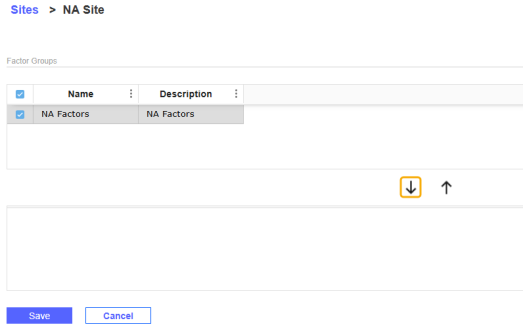
Select the checkboxes next to the factor groups you want to assign to the site and then click the Add icon. The factor groups are displayed in the grid below.
-
Click the Save button.


